Use cases
From purchase invoices to an accountant-ready review.
An illustrative UK workflow for a small business preparing purchase records for its VAT bookkeeping process.
Business owner + bookkeeper + accountant
Supplier invoices in GBP, an expense receipt and a purchase credit note received during the same period.
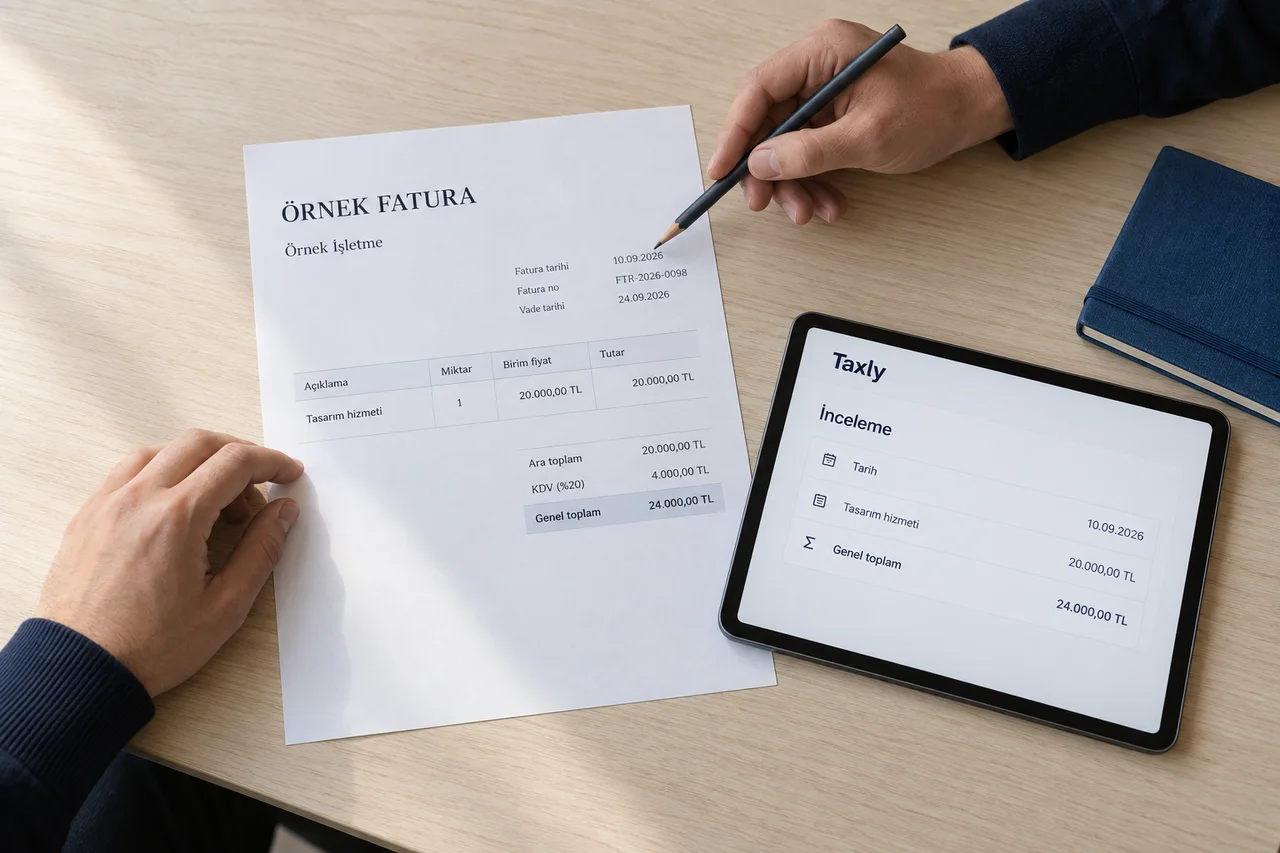
Keep the source record
Keep each original document with its supplier reference and receipt date. Distinguish an invoice from a credit note before preparing the review.
Review the VAT details
Compare supplier details, invoice dates, net amounts and VAT amounts with the original. Ask the bookkeeper to resolve unclear tax treatment instead of inferring it from a total.
Agree the digital handover
Confirm the fields, record format and review responsibility with the accountant. Check how the handover fits the business’s Making Tax Digital workflow and existing compatible software.
Example exception: a credit note has no matching invoice
Keep the item open, request the original invoice reference and record the reviewer’s decision before changing the purchase records.
What we would agree in a product discussion
A reviewed document list, unresolved questions and the proposed bookkeeping handover. HMRC submission, MTD software compatibility and any digital-link requirements must be assessed for the actual setup.
Explore the plans